Setting up single sign-on for your users
Last updated: June 18, 2026
As a super admin, you can enable single sign-on for all the users in your Level AI account. As of now, we support integrations with Okta, Auth0, and Onelogin. To enable single sign-on,
Log into your Level AI account. If you’re already logged in, switch to the super admin mode.
Head to Settings > Single Sign-on (SSO) and choose the service you wish to connect with Level AI.
The integration steps might vary based on the service you’re choosing to integrate. So, follow the instructions on screen. And, when you’re done, click Save.
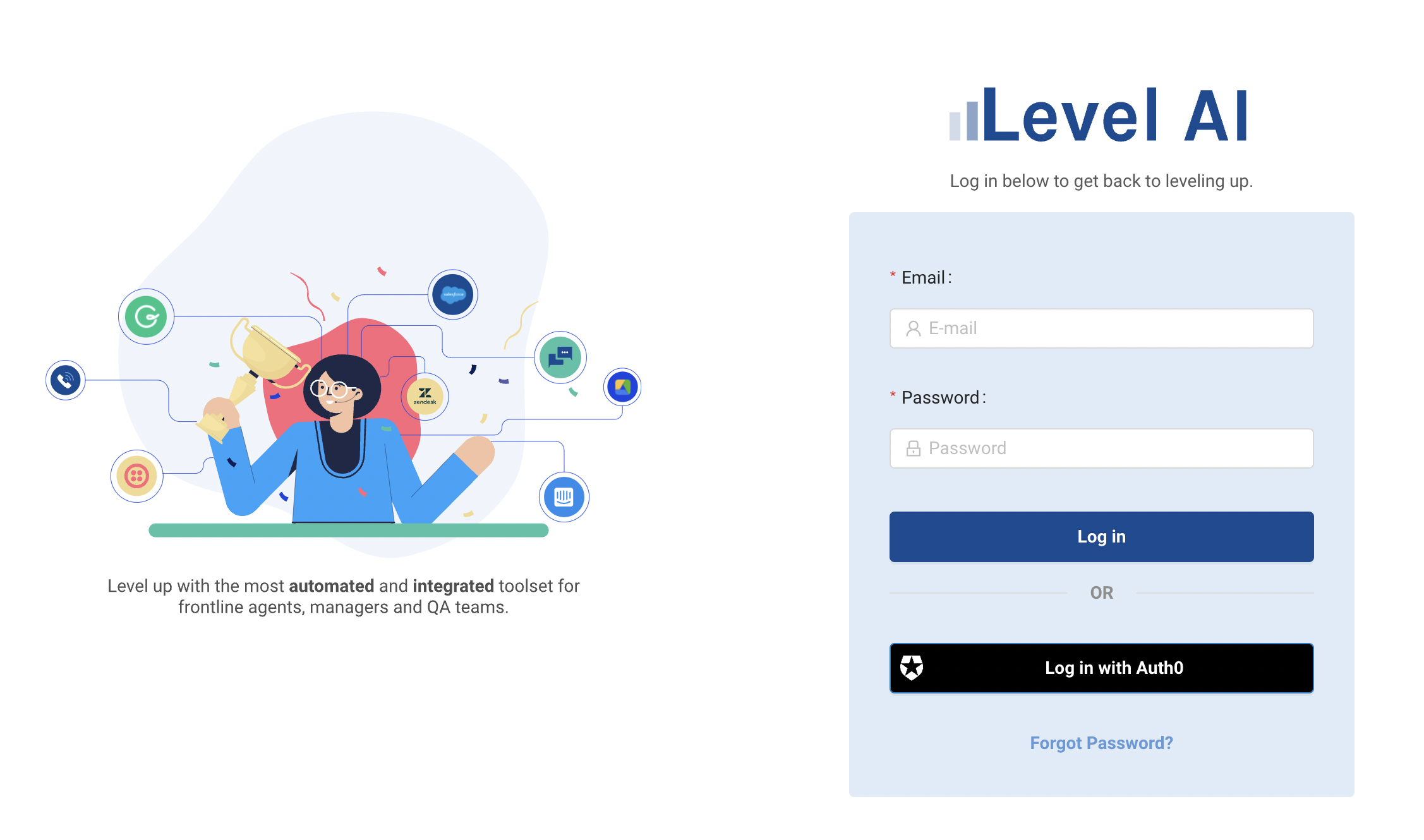
Once the integration is complete, your users will see the option to log into Level AI using the chosen single sign-on service.